AFTER EFFECTS PLUGIN · SHADOW
ASheng
Shadow
Six shadows,
one effect does it all.
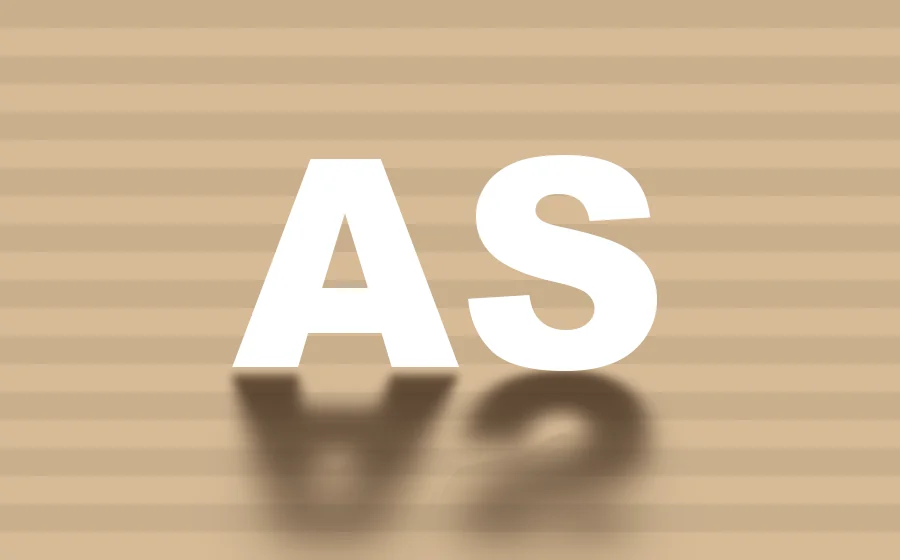
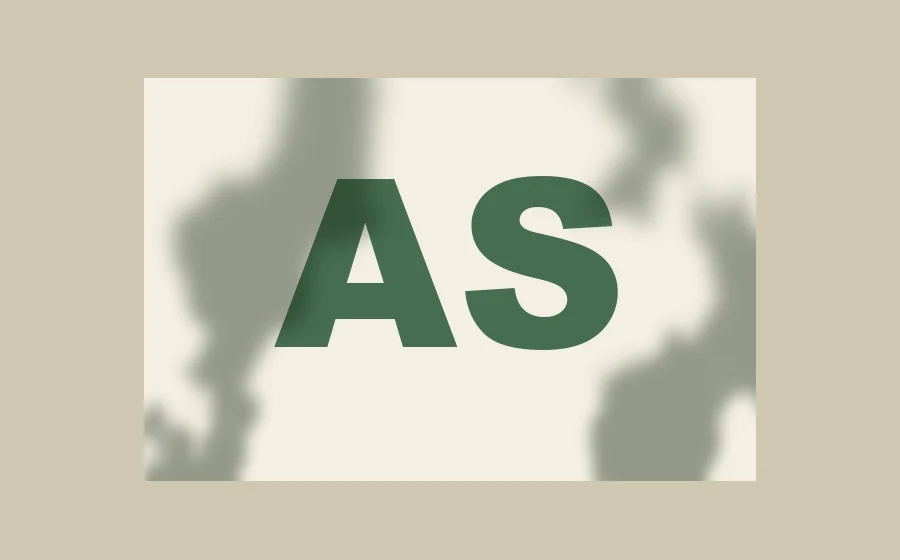
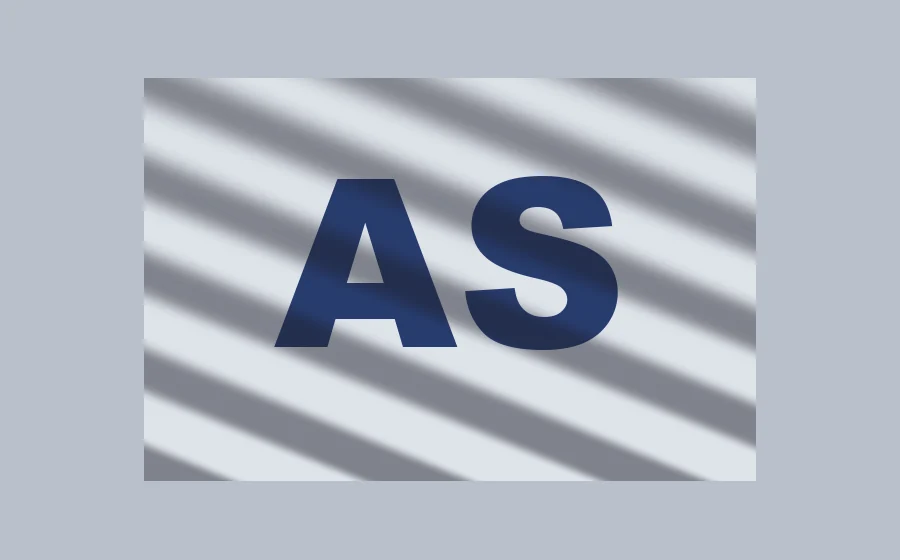
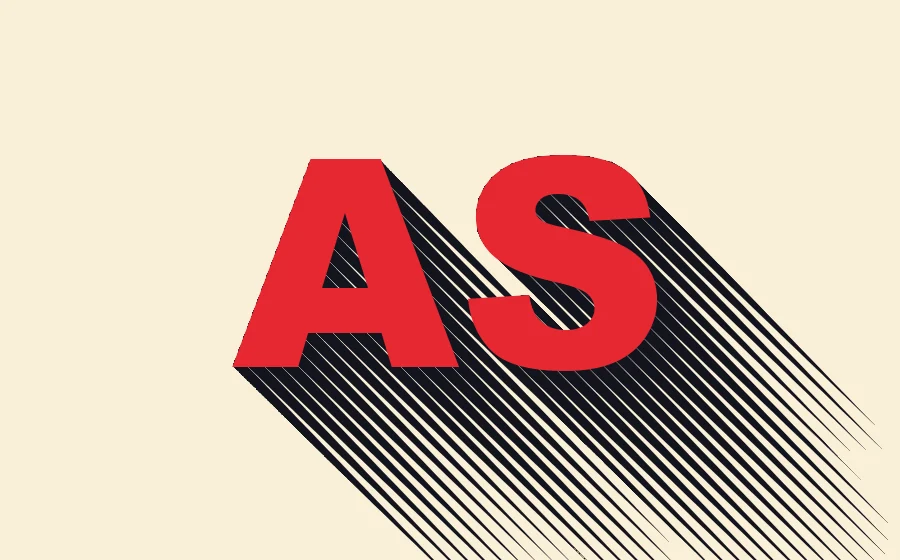
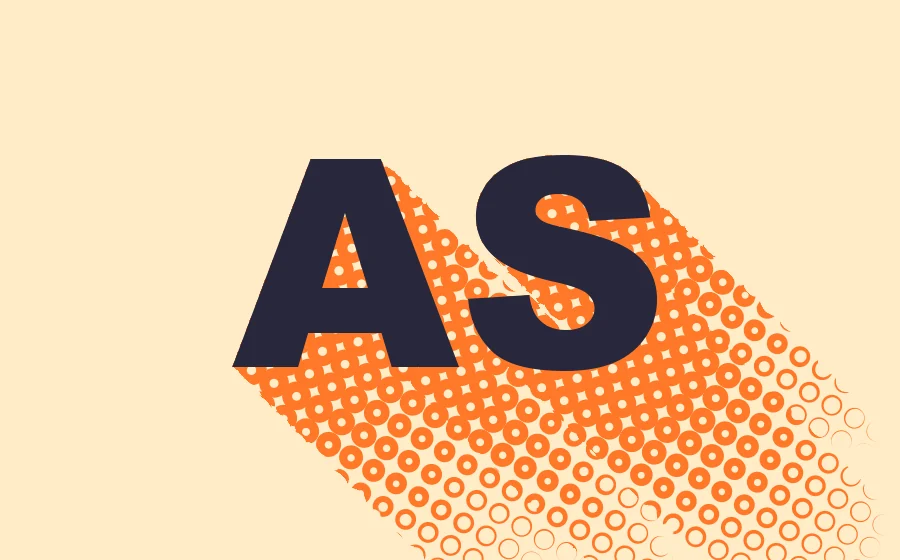
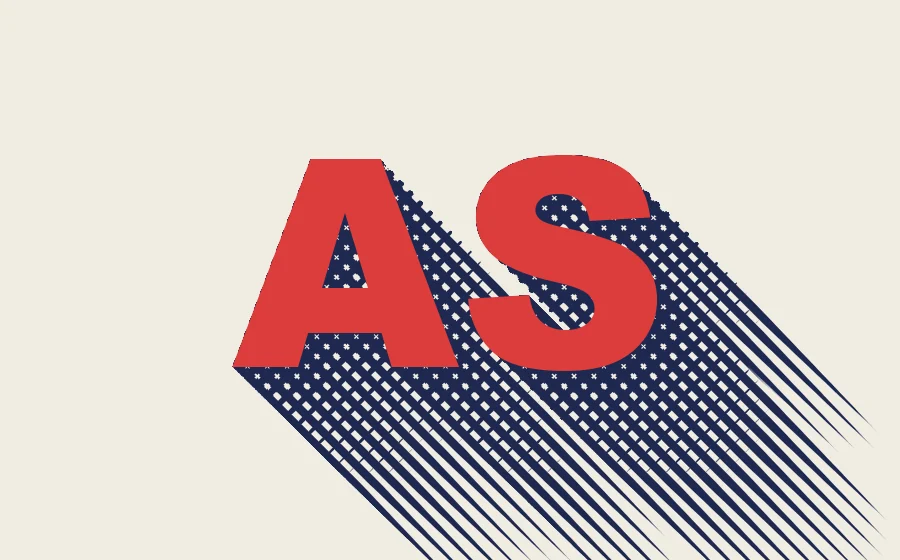
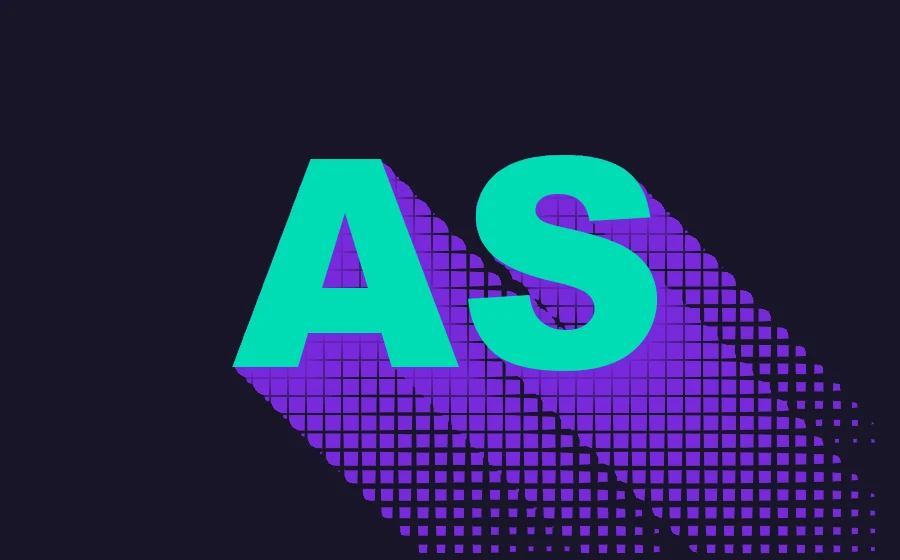
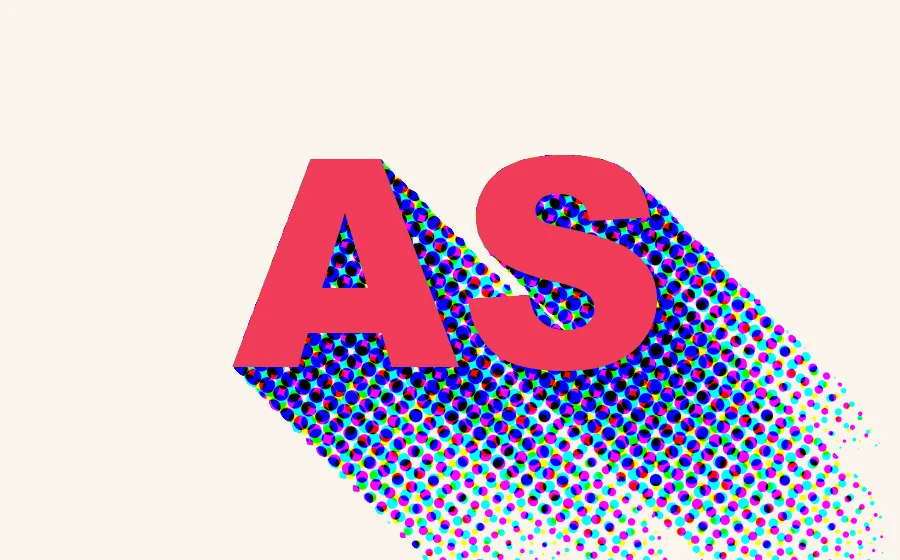
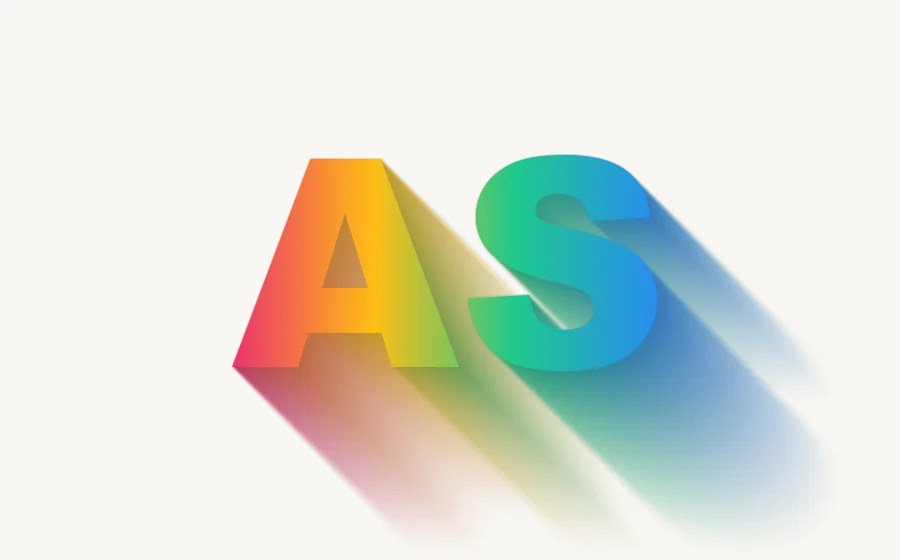
Drop, long, cast, inner, elevation and gobo, all switched within one effect. Shadows blur with distance; output the shadow alone, composite it onto a background, color it with a gradient or the layer’s own colors, or draw it in halftone dots, hatching, donuts, crosshatch, grid or CMY dots.
1 USDC · 365-day license · 1 MacUSD card US$2 (excl. tax, not yet available)
Output is watermarked until a license is activated. The license runs from the time of purchase and does not auto-renew; buy another to keep using it after it expires. Prices follow the live plan on the purchase page.
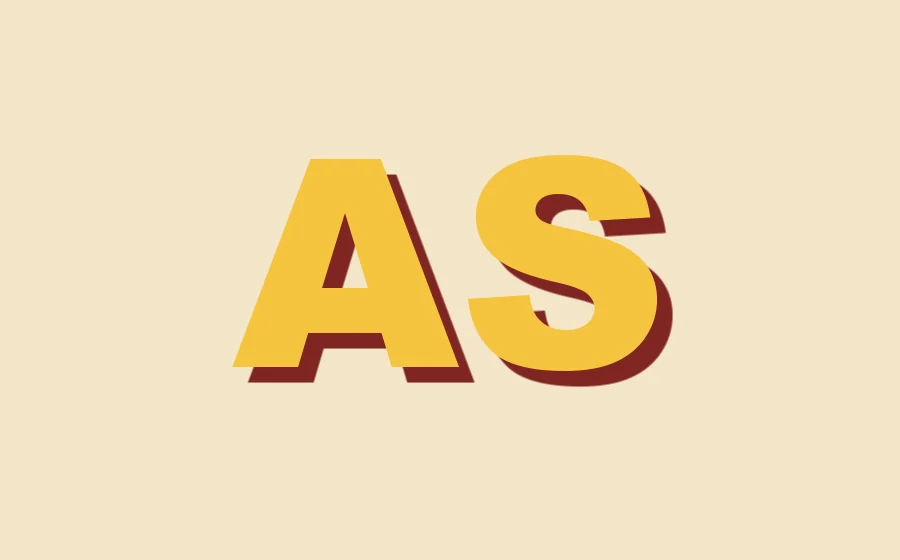
Six shadows
One effect —
just change the type.
Choose one under “Type” in the effect panel; light direction, distance, softness and density are adjustable. The shadow blurs the farther it gets from the object, like real light.

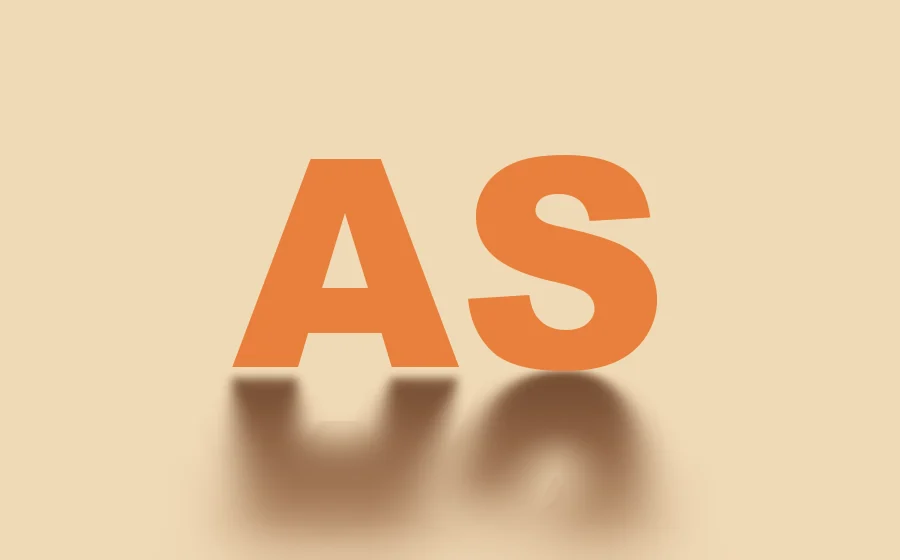
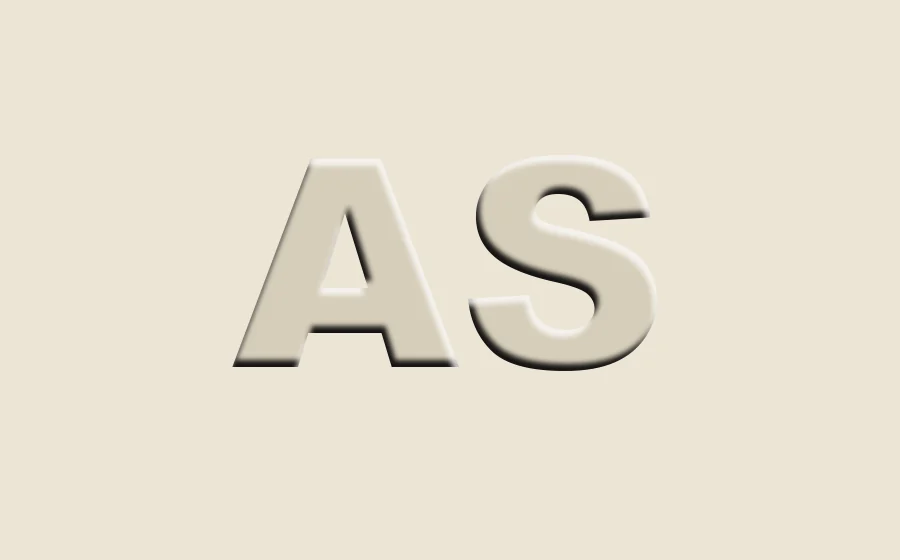

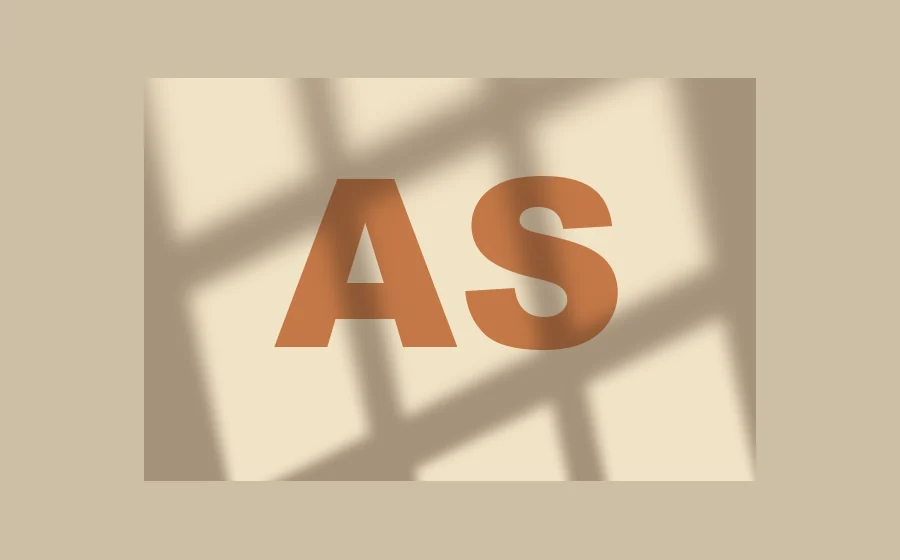
More looks
A shadow isn’t only gray.


Getting started
Three steps
to get started.
Requires an Apple Silicon (M-series) Mac, macOS 14 or later and After Effects 2026. No Intel Mac or Windows version yet.
- Download the installer
Click “Download for Mac”, get the latest version from the download page and unzip it. The installer is Apple-notarized.
- Quit AE, then install
Save your project, quit After Effects completely with Cmd+Q, then open the installer.
- Add it to a layer
Reopen AE, find ASheng_Shadow under “Effect → ASheng - Perspective”, add it to text or a layer, and choose a shadow under “Type”.
Good to know
Can I try it without a license?
Yes. Once installed you can apply it and experiment; output is watermarked until a license is activated.
What does the price include?
A 365-day license, activatable on 1 Mac: card purchases receive a license key, and USDC purchases receive an NFT in your paying wallet. Software updates during the license period are free.
What happens after the year is up?
No automatic charge. When it expires the plugin returns to trial mode (watermarked); to keep going, buy another.
Which layers can I use it on?
A text layer, or the content of a single layer (a cut-out image, a shape, a precomp). Chinese, English and numerals all work.
How do I update later?
Come back to this page and click “Download for Mac” for the latest version, or click “Check for Updates” in the plugin’s license helper.